


 Electronics
  Sports
  Automotive
  Stationery, Books & Music
  Lifestyle
  Fashion
 _20.jpeg) Home
Home  Garden & Pet Care
  Grocery
  Electronics
  Sports
  Automotive
  Stationery, Books & Music
  Lifestyle
  Fashion
 _20.jpeg) Home
Home  Garden & Pet Care
  Grocery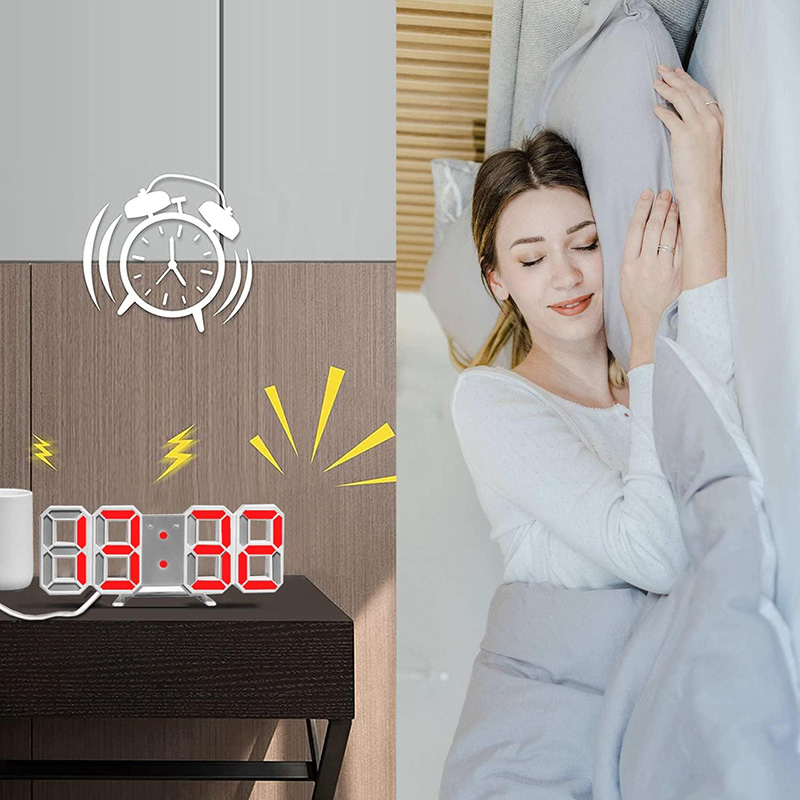
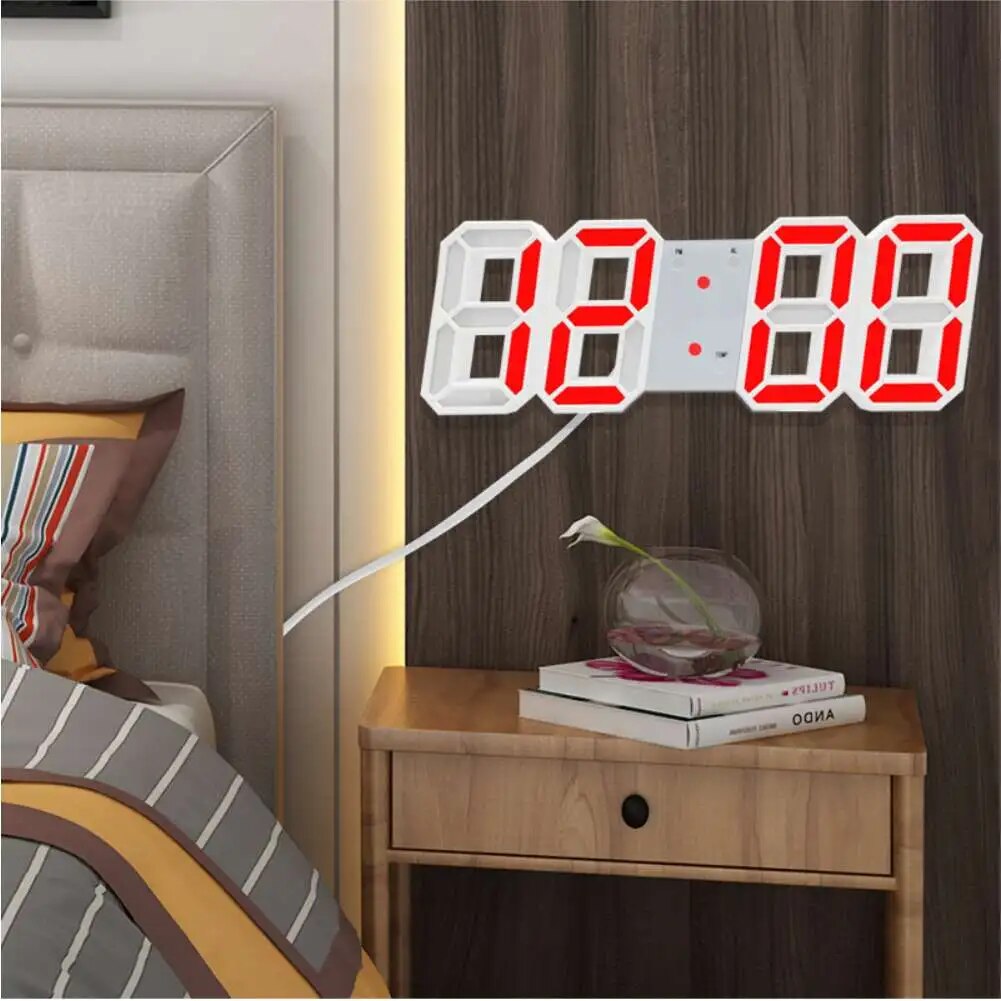
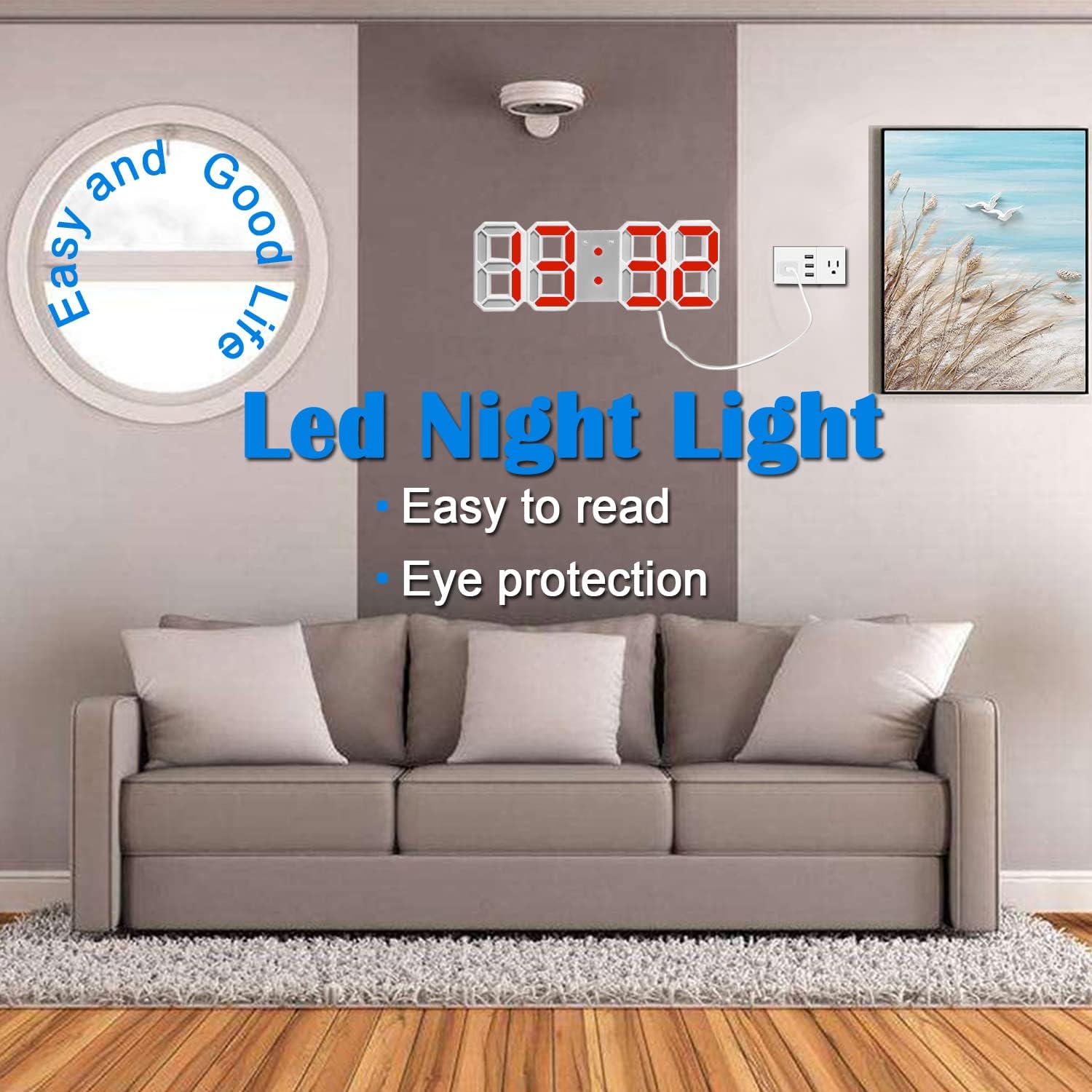
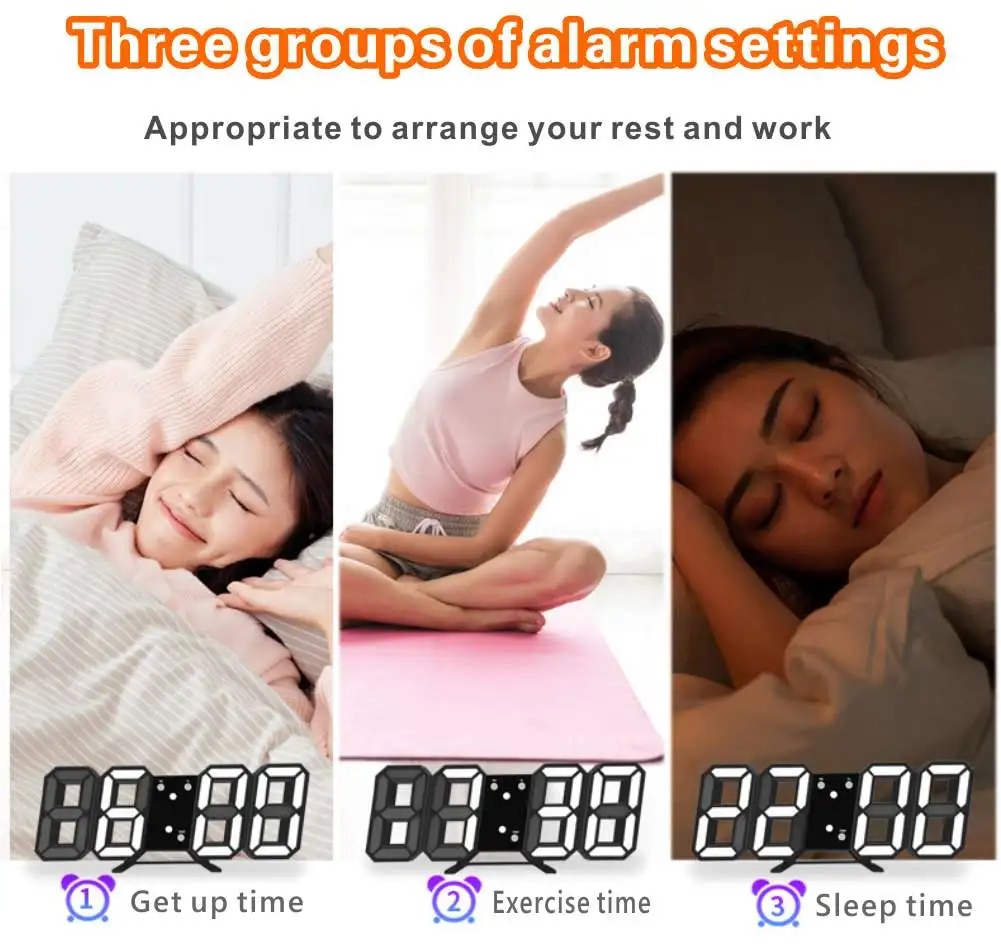
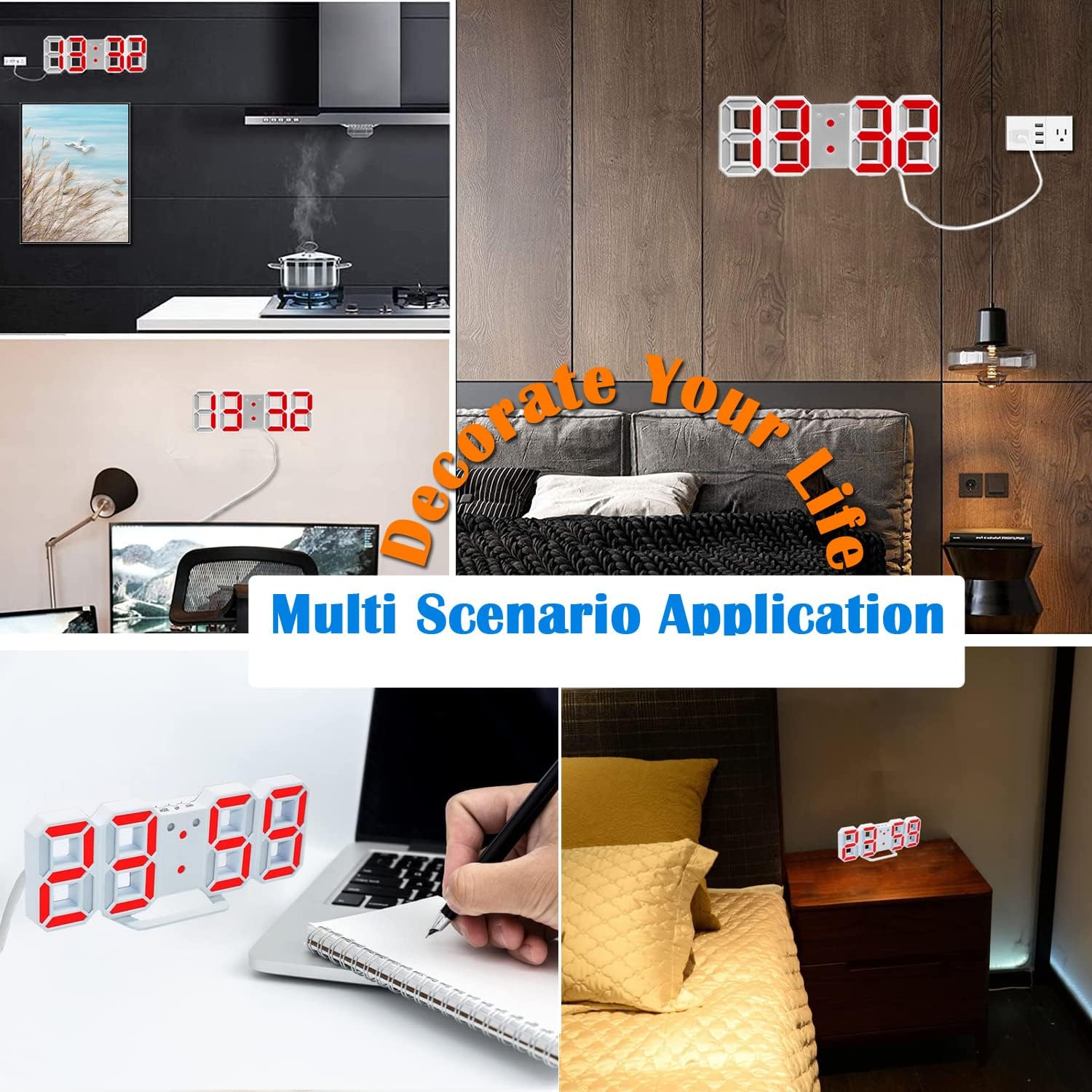
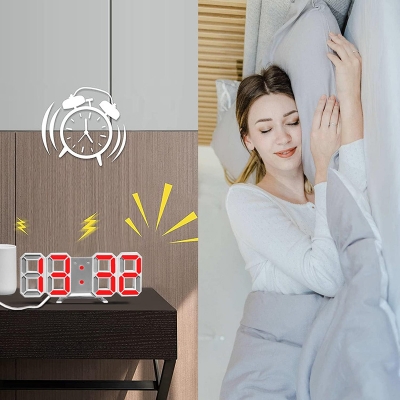
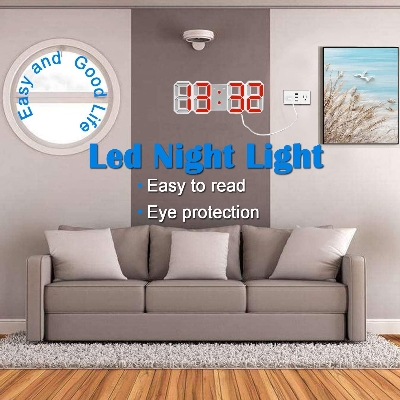
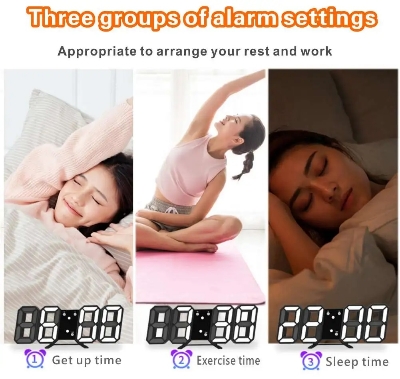
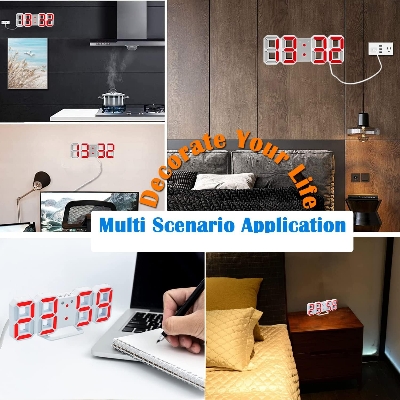
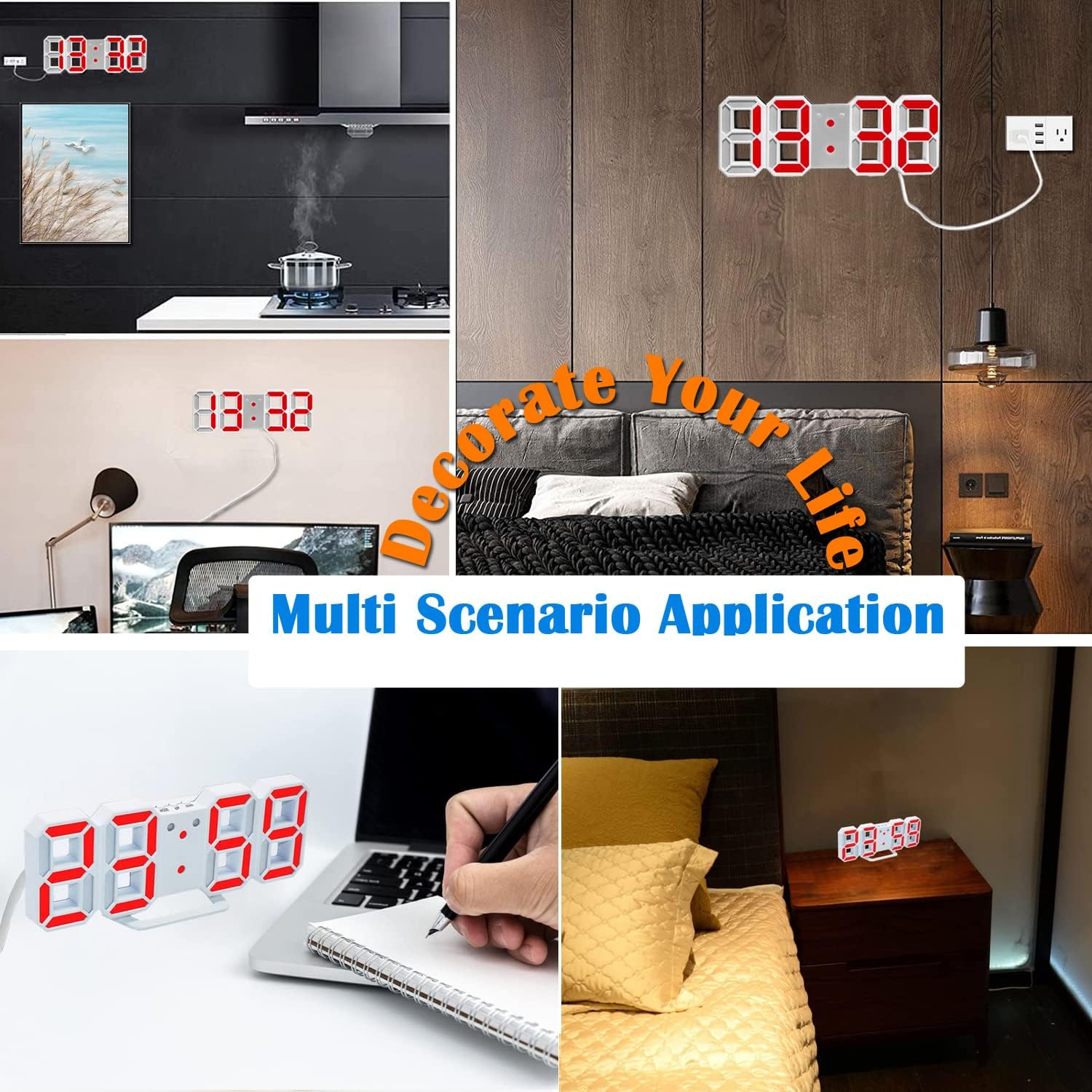
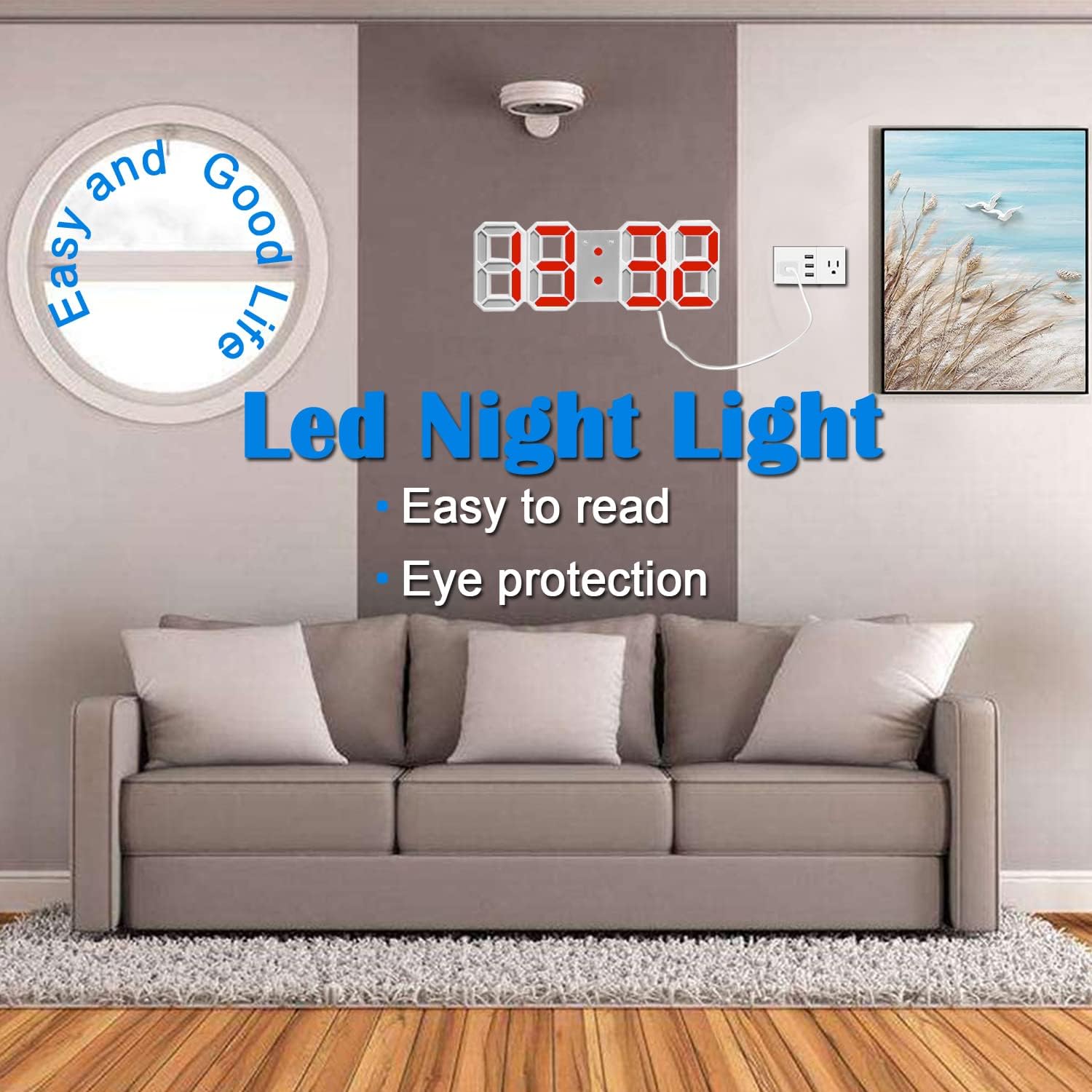
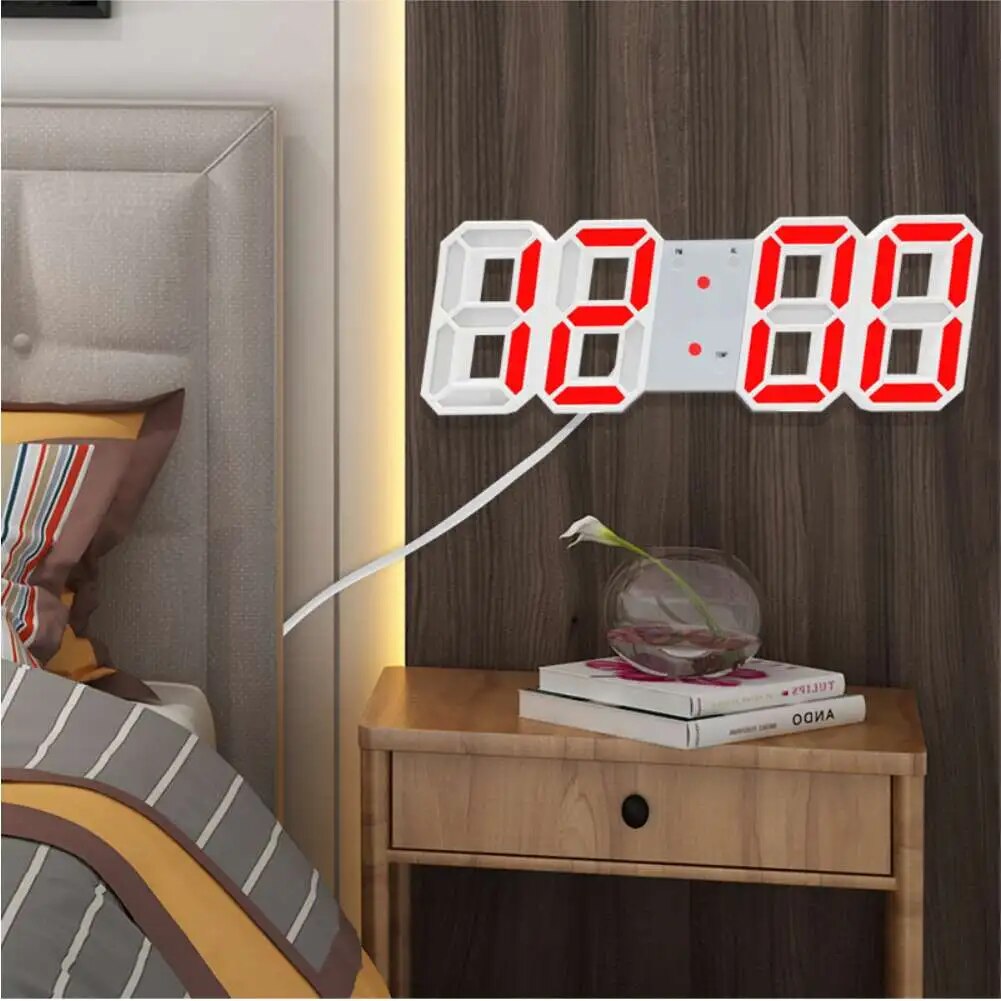
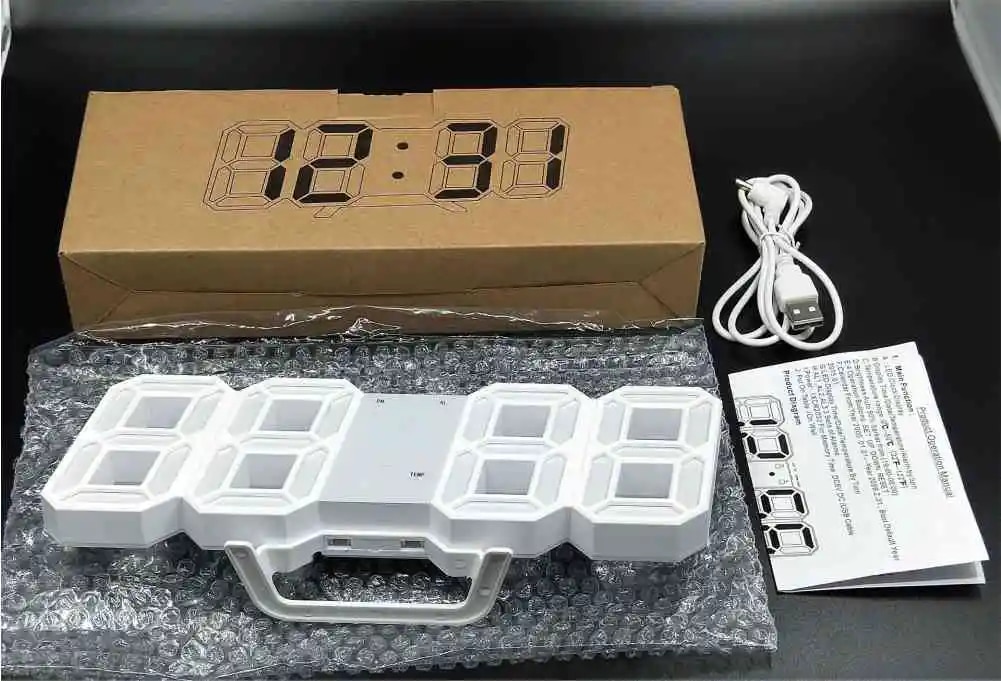
3D Wall Clock Digital Alarm Modern Kitchen Electronic Smart USB Power Supply LED Time Date Temperature Display Desktop Bedroom
- Configuration: Hold down the SET button for three seconds to enter the configuration.
- Enter the 12/24 hour setting, and then press up/down to change.
- Press up/down to adjust, press up/down to adjust, press up/down to accelerate forward or backward.
- Press SET to set the working time and date at the same time.
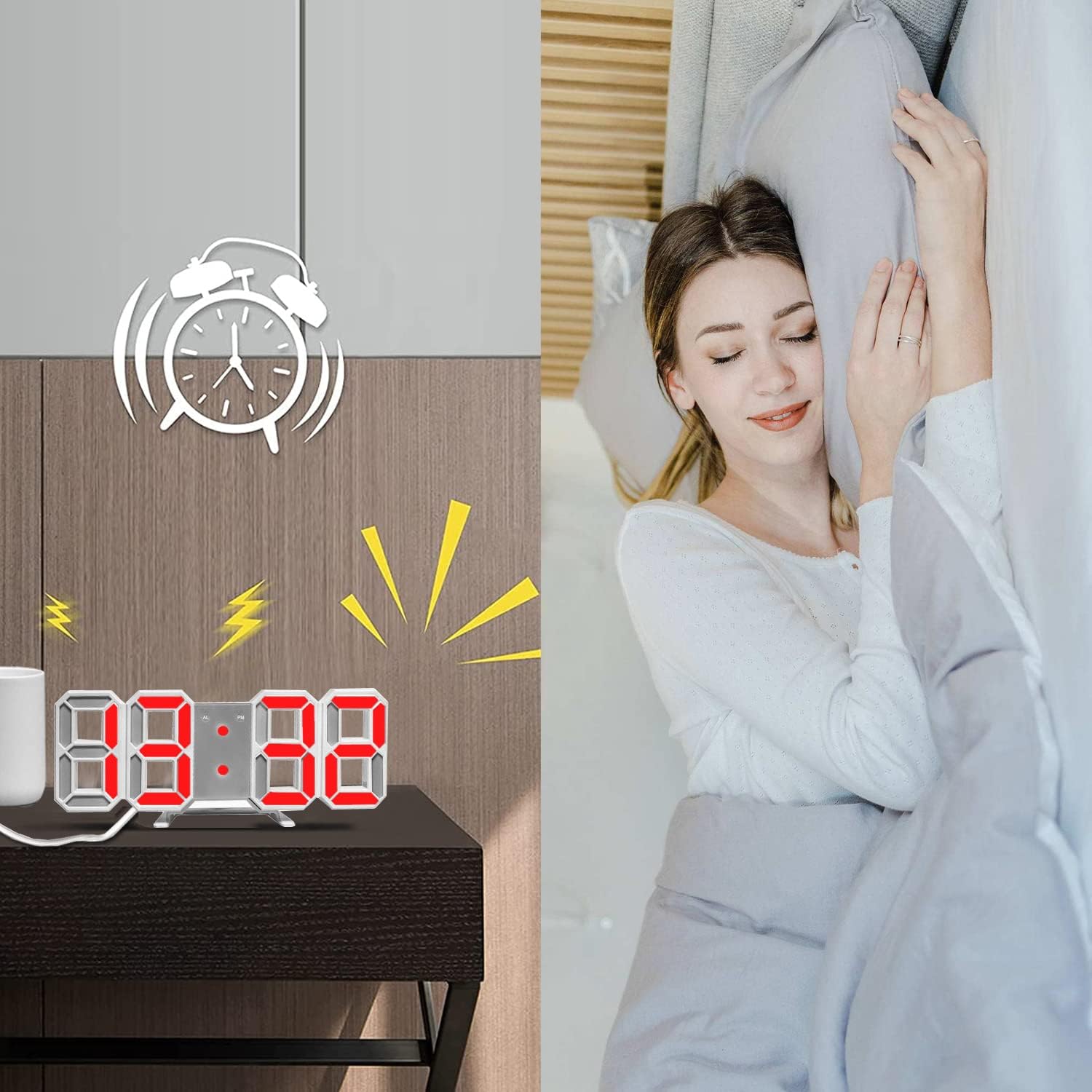
- Press SET to turn off the alarm.
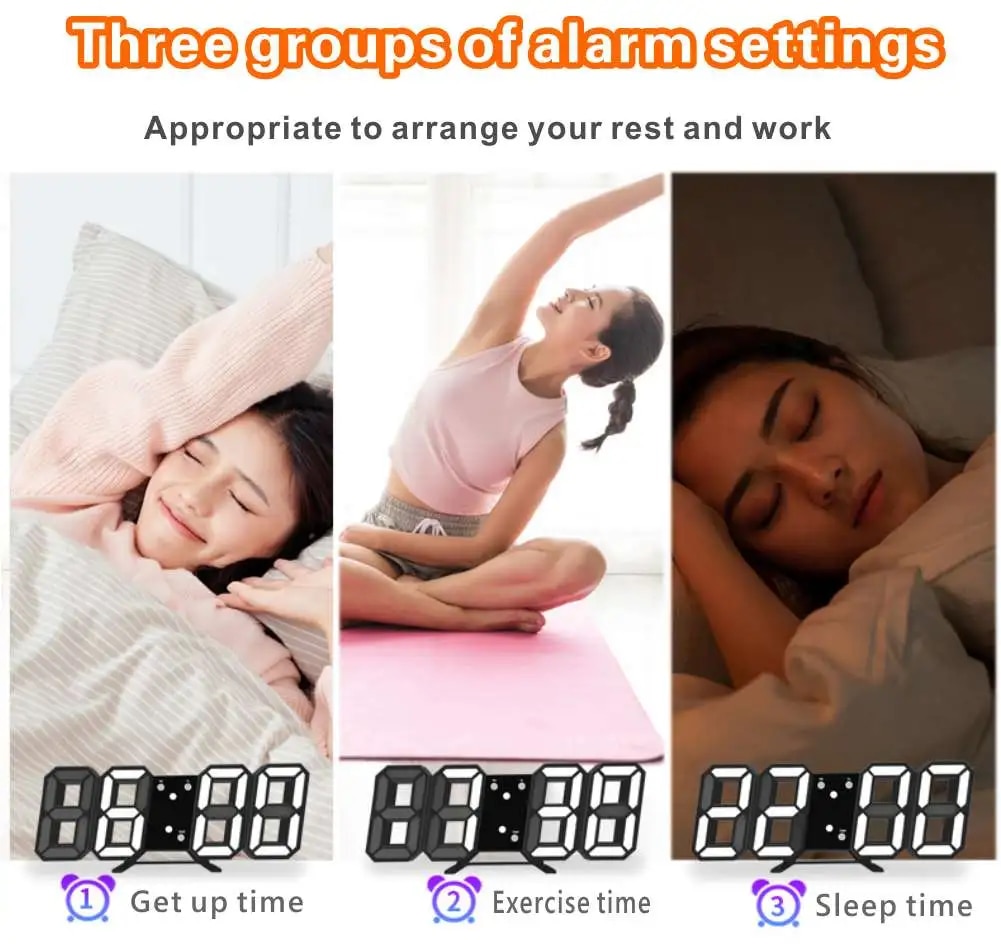
- When configured to input alarms, please also configure specific actions.
- Press SET to set the alarm and adjust the operation at the same time.

Customer Questions and answers :
Login to ask a question
