



 Daily Bazar
  Electronics
  Mother, Baby & Toys
  Beauty
  Sports
  Automotive
  Stationery, Books & Music
  Fashion
 _20.jpeg) Home
Home  Garden & Pet Care
  Grocery
  Daily Bazar
  Electronics
  Mother, Baby & Toys
  Beauty
  Sports
  Automotive
  Stationery, Books & Music
  Fashion
 _20.jpeg) Home
Home  Garden & Pet Care
  Grocery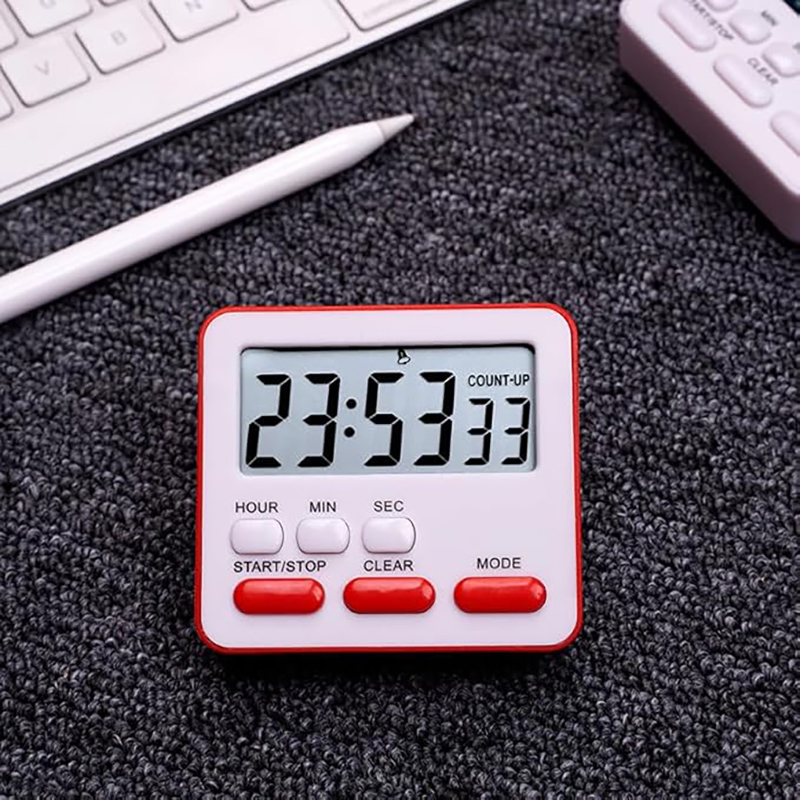
Size: 79.5 * 73 * 29mm (standard size)
Screen size: 63 * 29.5 mm
Includes: 1 PC timer (delivery does not include batteries, prepare yourself)
How to use:
1. Time default setting:
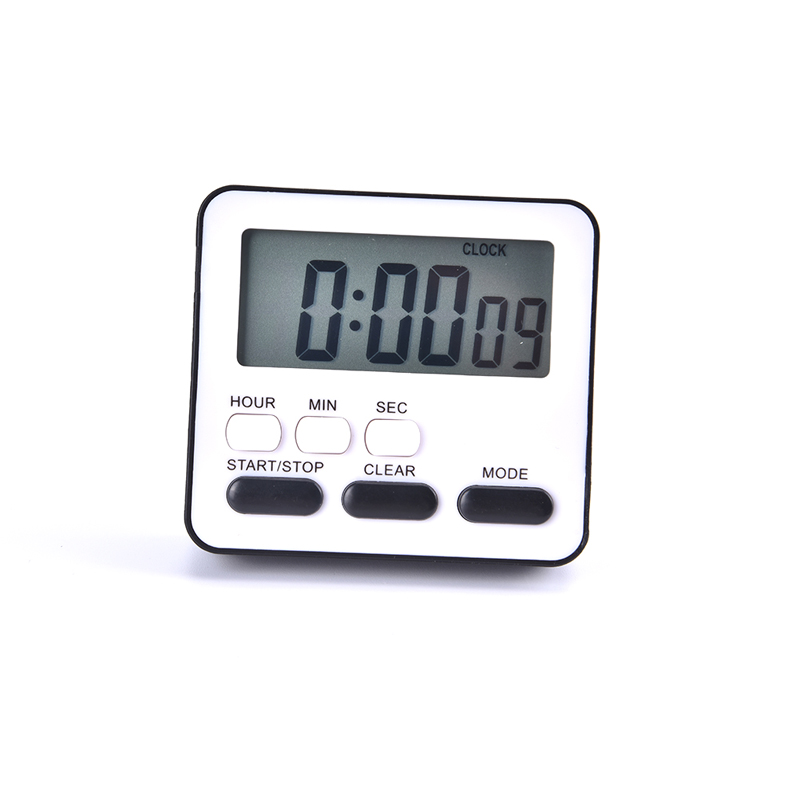
Press MODE to enter clock mode, press START (STOP) for 2 seconds to enter the clock adjustment mode, press seconds (SEC) to adjust seconds, press minute (MIN) to adjust the minute, press the START/STOP button or do not press the button for 15 seconds to return to clock mode, and the hour, minute and second buttons are locked. If you need to adjust the time again, press the MODE key to enter clock mode before setting.
2. Time scheme:
1. Press the MODE button to count. If it is zero, press the start button to start the timer.
2. Press the START/STOP key again to stop the timer, and press the reset key again to return to
3. Segmented Countdown:
1. Press MODE to enter timer mode, press CLEAR to clear, press SEC, MIN, HOUR to set the desired time, and then press START (START/STOP) to start the countdown.
2. Press START/STOP to pause the timer and press CLEAR to clear it.
After setting the first group, press MODE to select the second group. The operation is the same as before. Bell 1 represents the first group, and Bell 2 represents the second group.
4. Press "Mode" key to select clock, count UP, countdown 1, countdown 2
4. Memory function, quick time adjustment function:
1. The maximum time for the product is 23 hours, 59 minutes and 59 seconds, and it has the last countdown start memory function; When used again, the CLEAR key automatically read back the last set time.
2. Press and hold the SEC, Min, and Hour buttons for more than two seconds to quickly adjust the time.
Note:
Please allow 1-5 mm difference due to manual measurement.
The colors of the items shown in the photos may be slightly different on your computer monitor



Login to ask a question
